
We're incredibly excited to announce HCB Mobile, our official mobile app for iOS and Android! After more than a year of development, we're bringing the power of HCB to your pocket, making it easier than ever to manage your HCB organization's finances on the go.
No matter where you are, HCB Mobile has you covered with the ability to track your organization's finances, manage cards, upload receipts, and collect in-person donations.
Features
-
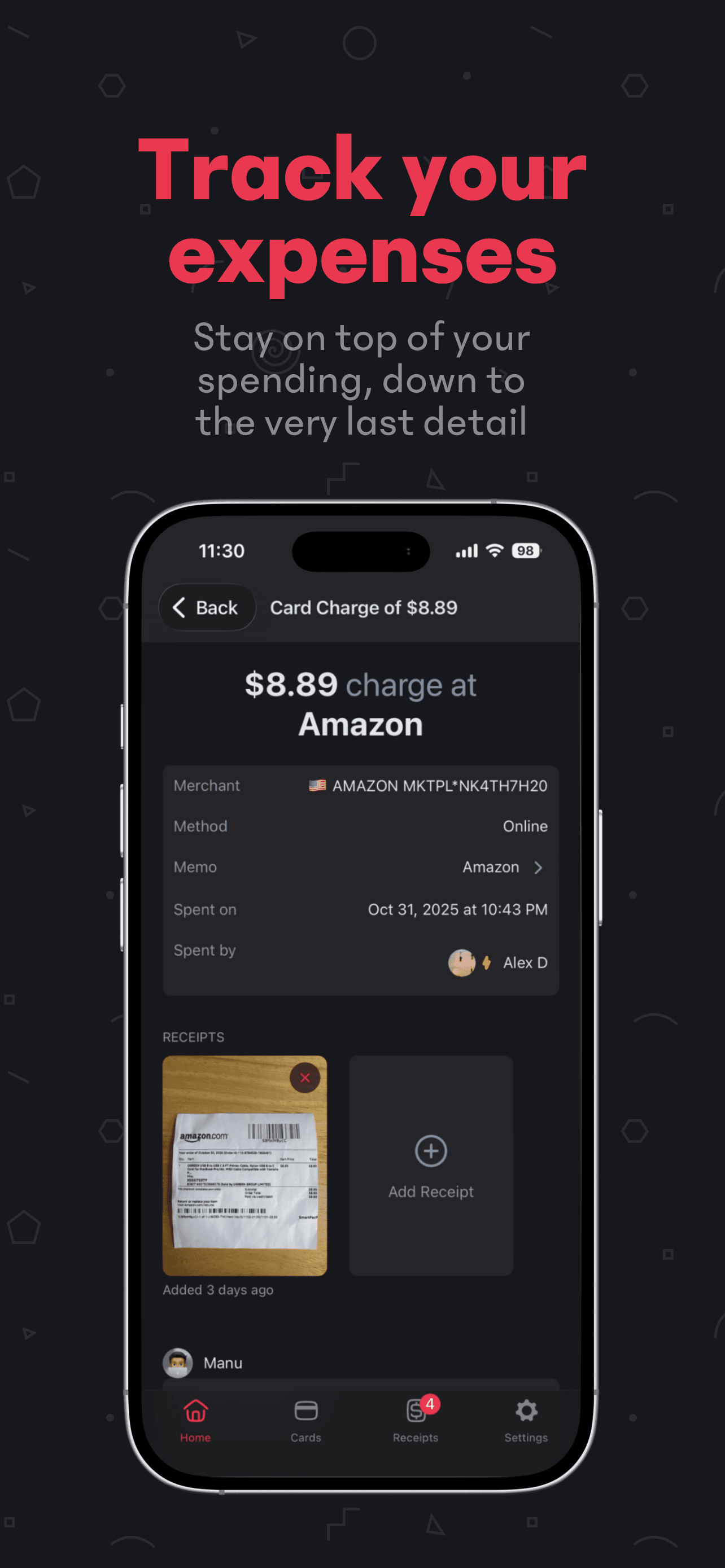
📈 Track your organization's finances: See your organization's balance and transactions at a glance.
-
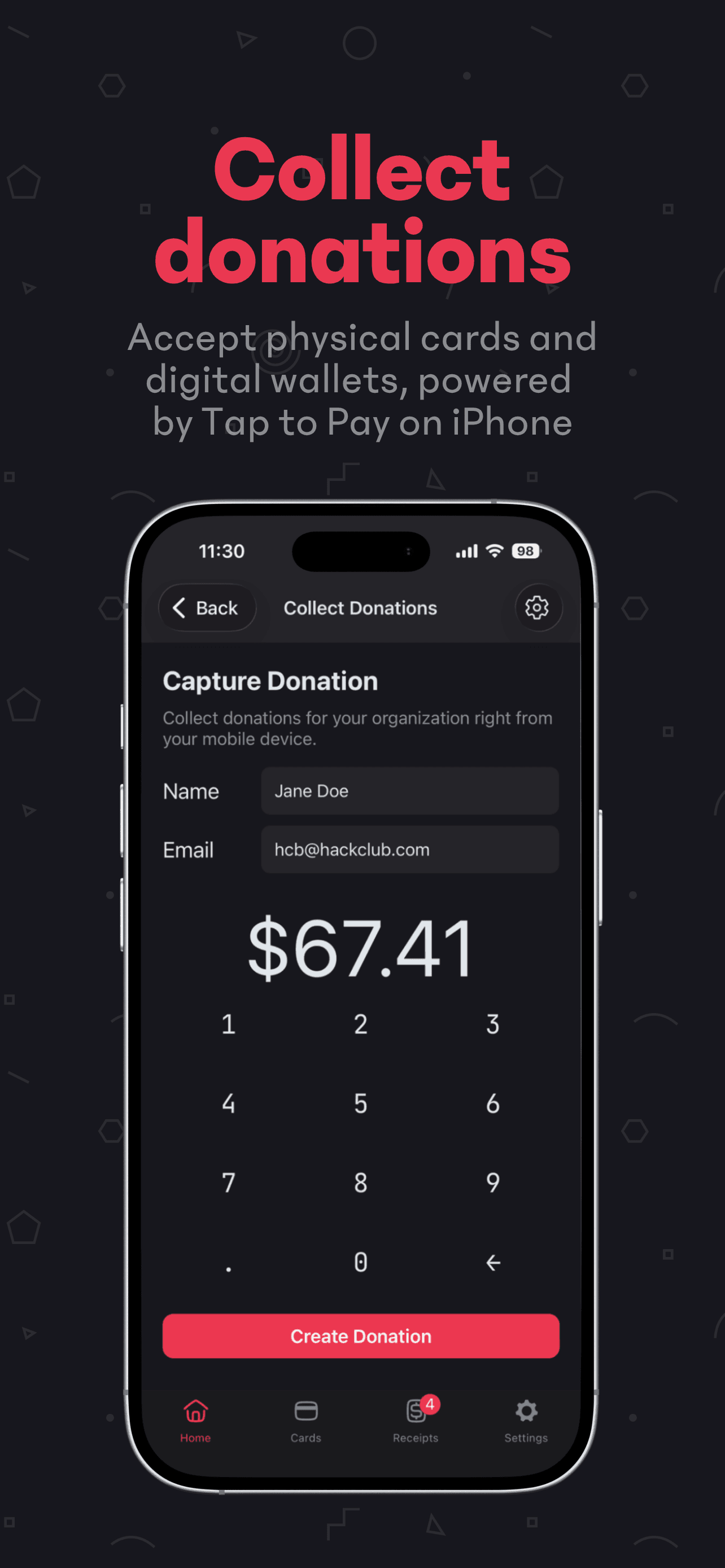
💰 Accept donations in-person: You can accept tap-to-pay donations directly on your device, perfect for an in-person fundraiser or event! No extra hardware required.
-
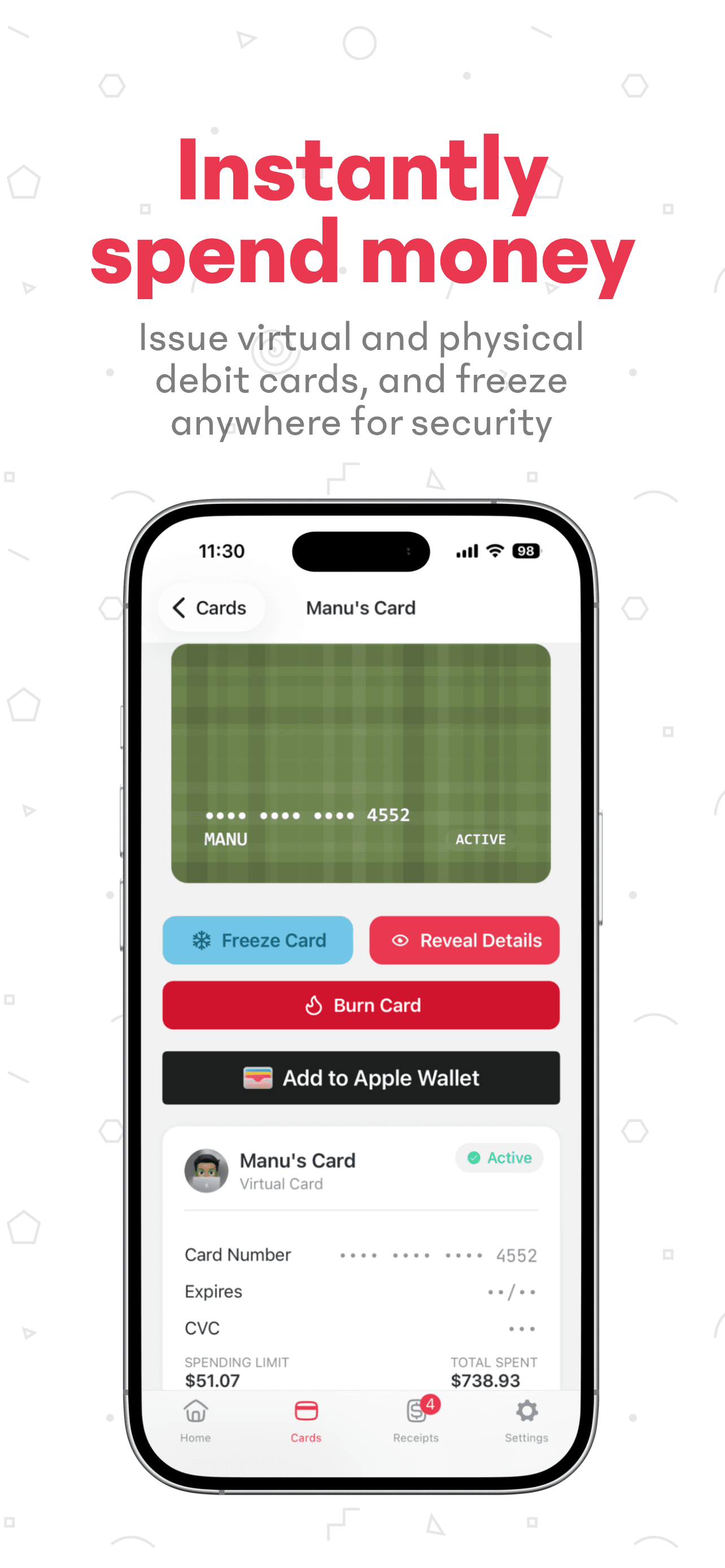
💳 Manage your cards: Issue new cards, add them to Apple / Google Wallet, and freeze or cancel them directly from your phone!
-
🧾 Upload receipts the easy way: Never lose another receipt! Upload photos directly from your device or match existing receipts in your Receipt Bin to transactions with a tap.
Download now
HCB Mobile is available now on the App Store and Google Play Store. If you have any questions or feedback, please reach out to us at hcb@hackclub.com.
Open source
We're open source on GitHub! (give us a hand and ⭐ the repo!)
The app is built on Expo, a React Native framework that streamlines development and deployment across platforms, alongside libraries and SDKs such as SWR, Sentry, and Stripe that power key features.
v4 API
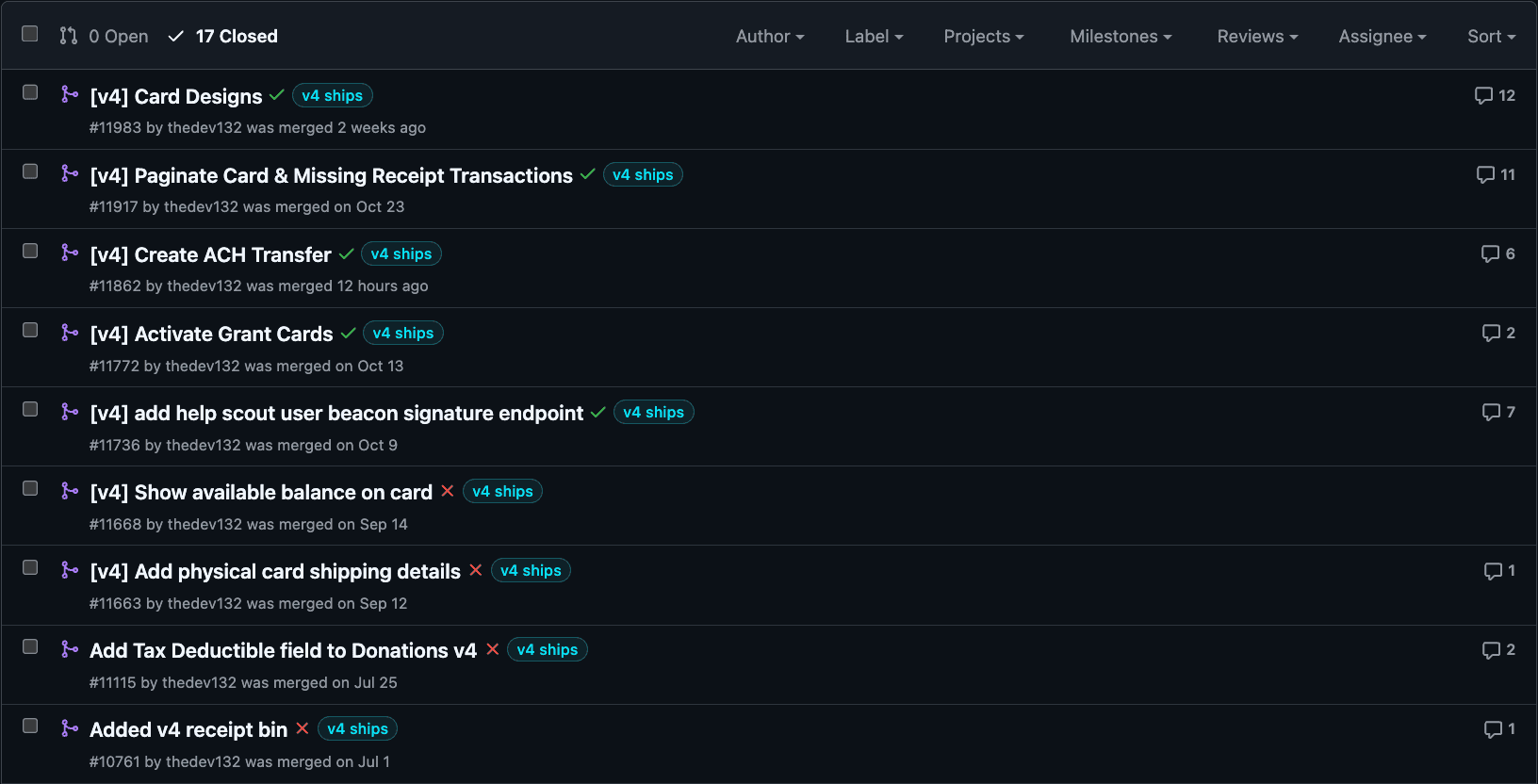
Before building app features, though, we needed a robust API on HCB itself. Over several months, we expanded our v4 API to support functionality like creating cards, managing receipts, and inviting users to HCB organizations.
The API improvements we implemented are what made HCB mobile possible. More than that, they'll allow us to iterate and build smoothly for future integrations and automations, meaning we'll be able to improve HCB for all users faster than ever before. Once the foundation of the API was in place, the next hurdle was to overcome the obstacles of both the Android and iOS ecosystems.
Entitlement Permissions
One of the biggest challenges we had to overcome while implementing the app was getting permissions to use advanced native features such as Tap to Pay (for in person donations) and Push Provisioning (for adding your card to your digital wallet). Securing these entitlements took months of back-and-forth emails, test case recordings, and in-depth compliance checks. For Apple, we first needed to get the development entitlement, build the feature, and comply with their extensive requirements list. For the Android version of our app, we created a Google Pay & Wallet console organization, signed 3-4 NDAs, a CTA, completed identity verification, obtained a private SDK, and submitted a user flow. After all of that, we were finally able to get our app whitelisted. On top of this, we needed to liaise with Stripe the whole time because their SDK powers the Tap to Pay and Push Provisioning features.
OTA Updates
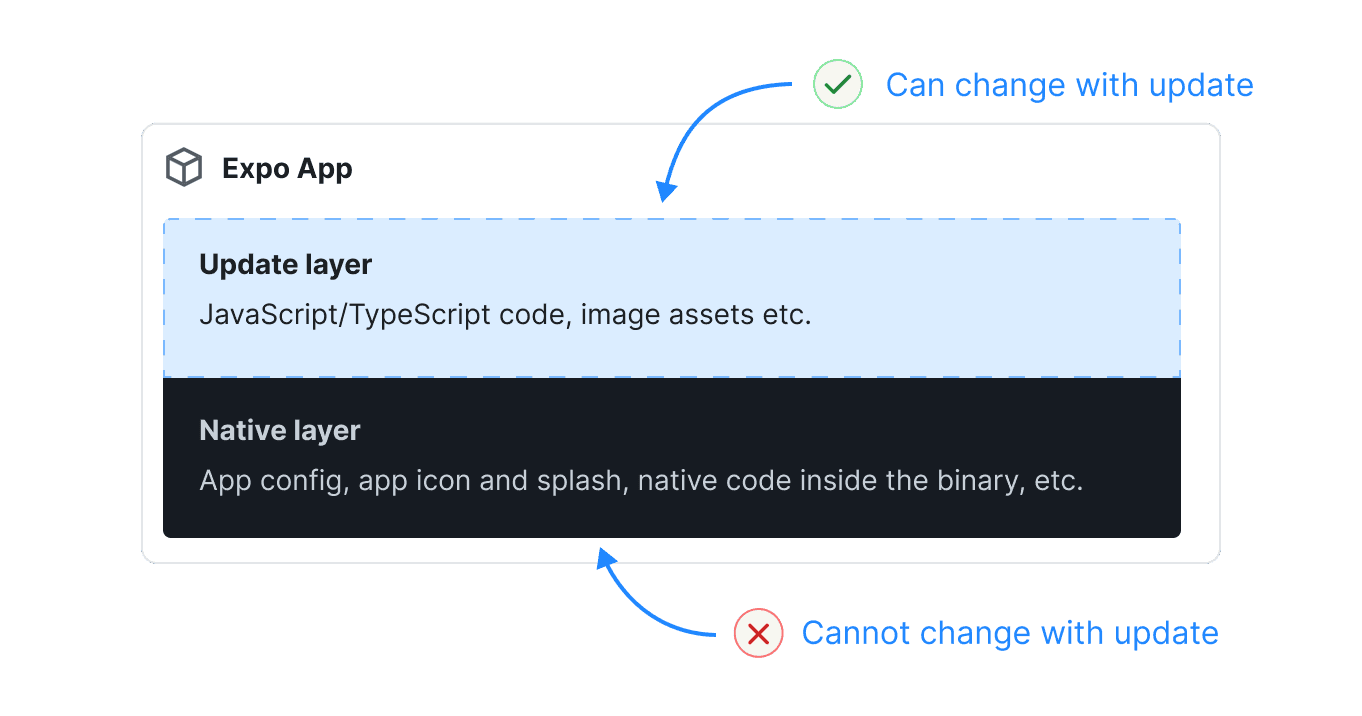
Even after securing entitlements, we still had to deal with another major obstacle: the traditionally slow app release cycle. Any minor fix required publishing a new build, which was time-consuming (and can turn your Mac into a grilled cheese maker). After dealing with this for a while, we adopted the model of OTA (Over the Air) updates. This allowed us to remotely trigger updates without needing a new app build. Conveniently, Expo offers this solution in their EAS Updates service. We setup a Github Action to publish a new OTA update on every commit to the main branch, allowing us to have continuous deployment. The diagram below shows a basic overview of how this is possible.
After over 250 hours of development work and the help of Caleb, I can say that I'm incredibly proud of HCB Mobile because it's built by teenagers to make it easier for teenagers to run nonprofit organizations and projects with HCB.